Quickstart
- Run
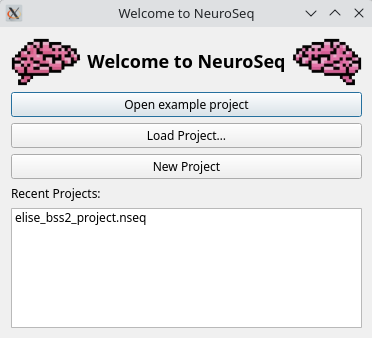
neuroseq. In the Welcome to NeuroSeq dialog, click Open example project. This opens the Getting Started Project: a 10-neuron Brian2 network with an input array and a 2-photon field of view whose Cellpose cells are mapped to the neurons. - Click Simulate → Run Simulation (rocket icon,
Ctrl+R). The suggested duration is the length of the longest input array. Click OK. - Voltage traces and spikes appear in their panels when the run finishes.
The welcome dialog also offers Load Project…, New Project and recent projects. More examples are under File → Open example project (see Examples). Next: GUI Overview.